





 (No Ratings Yet)
 Loading...
Fullscreen

 (No Ratings Yet)Loading...
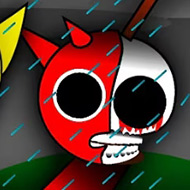
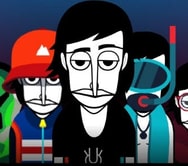
You drag a small round icon onto an empty slot in the lineup, and a beat locks in underneath before your cursor even leaves it. Incredibox Scratch is a fan-built template copying the drag-to-layer format nearly icon for icon, and the payoff lands once a second sound clicks into place.
The template splits icons into four families: Beats for rhythm, Melodies for the lead line, Effects for short stabs, and Voices for vocal chops. Drop one from each onto an open character and the loop plays automatically — the difficulty lives in which combinations sound good.
A full loop needs four icons filled, and nothing punishes trial and error here. Casual players cycle through Beats first; deliberate players pick a Voices icon and build around it.
Headphones help. Several Effects and Voices icons carry high frequencies lost on phone speakers, and switching mid-session often reveals a layer players had effectively muted by accident.
The Reset button clears the lineup instantly, and since builds here are disposable, most sessions involve resetting several times before landing on a loop worth hearing again.
Being a fan remake, a few icons trigger half a beat late, and a handful of combo animations that exist in the code never fire correctly. Regulars treat this as expected for a Scratch template.
That edge is part of the appeal: builders study this project since the drag and combo logic stay visible, unlike the closed app.
Casual visitors rarely notice the gaps, since a laggy animation does not break the loop itself. Builders poke at those seams, comparing icon logic between projects.
None of that stops Incredibox Scratch from working as a quick way to mess around with layered sound — the Reset button wiping a bad build clean, a Voices icon finally landing on a Beats loop, is what keeps people dragging icons back for one more try.



There are no reviews yet. Be the first one to write one.